An HR workflow is a defined series of steps for completing an HR process, such as onboarding or offboarding, that sets out what happens, who owns each step and when it is due.
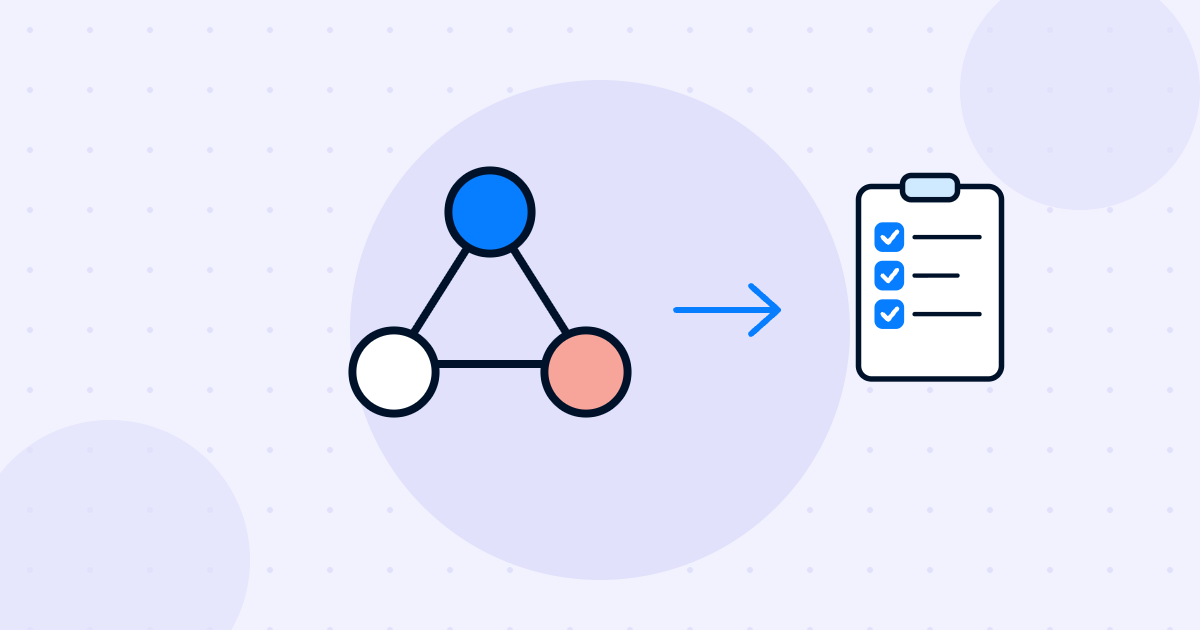
An HR workflow is a set series of steps used to complete an HR process from start to finish. It defines what needs to happen, who does each step, in what order and by when.
Onboarding a new hire, approving time off, handling a role change and processing a resignation are all HR workflows. They can run on paper, by email, or inside software that assigns tasks and moves the process forward on its own.
When a process only exists in someone's head, it breaks as soon as that person is busy or away. Steps get skipped, people do not know who owns what, and employees get a different experience each time.
A clear workflow fixes that. Everyone knows their part, nothing is forgotten, and you can see where things get stuck. Once a workflow is written down and stable, it is also much easier to speed up with HR automation.
Most HR workflows share the same building blocks:
Example: a company sets up an offboarding workflow. When HR records a resignation, the manager gets a task to plan the handover, IT gets a task to collect the laptop and remove access on the last day, payroll gets a task for the final payment and HR schedules an exit interview. Each owner sees their task and due date, and HR sees progress in one place.
A workflow is the process itself: the steps, owners and order. Automation is using software to run some or all of those steps without manual effort.
Common ones are onboarding, offboarding, time off approval, role changes, probation reviews, document collection and employee surveys.
Start with onboarding. It happens often, involves many teams and shapes a new hire's first impression. With employee onboarding software you can build the workflow once and reuse it for every hire, and AI features can help draft the tasks and messages.

Transform onboarding, offboarding, and everything in between with newployee. Schedule your personalized demo today!
Schedule a demo