
Single sign-on, or SSO, lets employees use one secure login to access many different work applications instead of a separate password for each one.
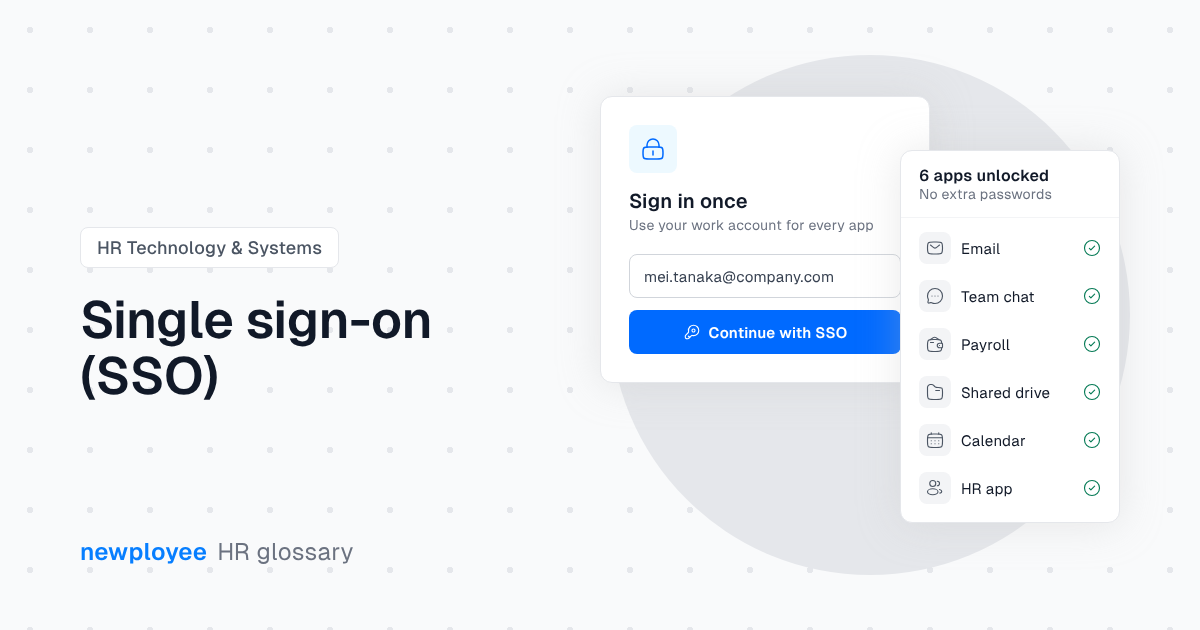
Single sign-on, or SSO, lets employees sign in once and get access to all their connected work apps. Instead of a separate username and password for email, chat, HR tools and everything else, they use one secure login managed by an identity provider such as Google Workspace, Microsoft Entra ID or Okta.
Fewer passwords means fewer forgotten logins, fewer reset requests and less risk from weak or reused passwords. For IT and HR, the biggest benefit shows up when people join and leave.
On day one, a new hire can get access to every tool they need through one account. When someone leaves, turning off that one account removes access everywhere, which closes a common security gap.
SSO relies on trust between the identity provider and each app:
Example: a new marketing hire signs in to their work account on day one. Their email, chat, design tool and onboarding portal all open without separate logins, because each one is connected through SSO.
Read more in our guide: IT Onboarding Checklist for New Employees.
Yes, when combined with multi-factor authentication. It reduces password risks and makes access easier to control.
A password manager stores many passwords. SSO replaces them with one trusted login.
Turning off one account removes access to every connected app at once.

Transform onboarding, offboarding, and everything in between with newployee. Schedule your personalized demo today!
Schedule a demo